

To reset your Mattermost password:
- Go to mattermost.bcpgp.uk in any browser.
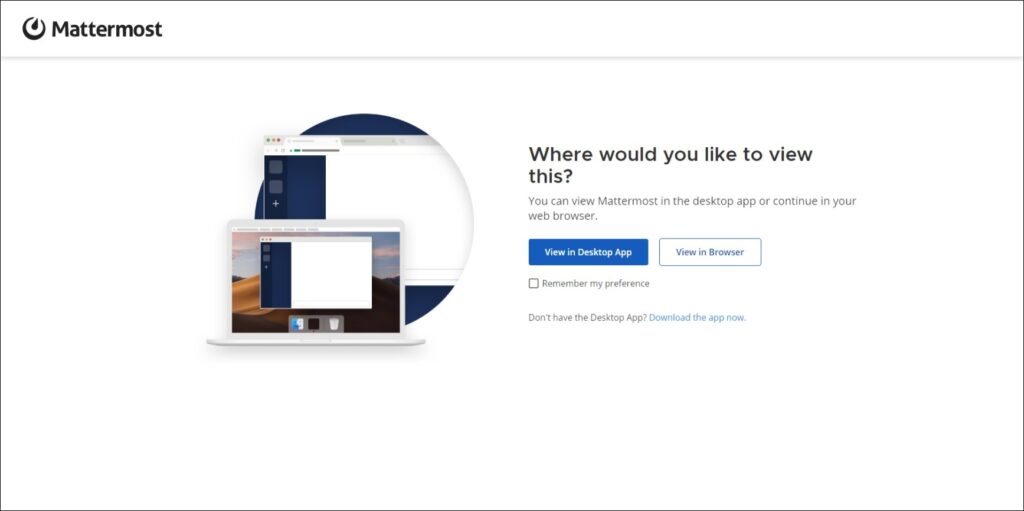
- Click the white View in Browser button for now (you can change this setting later if you wish)
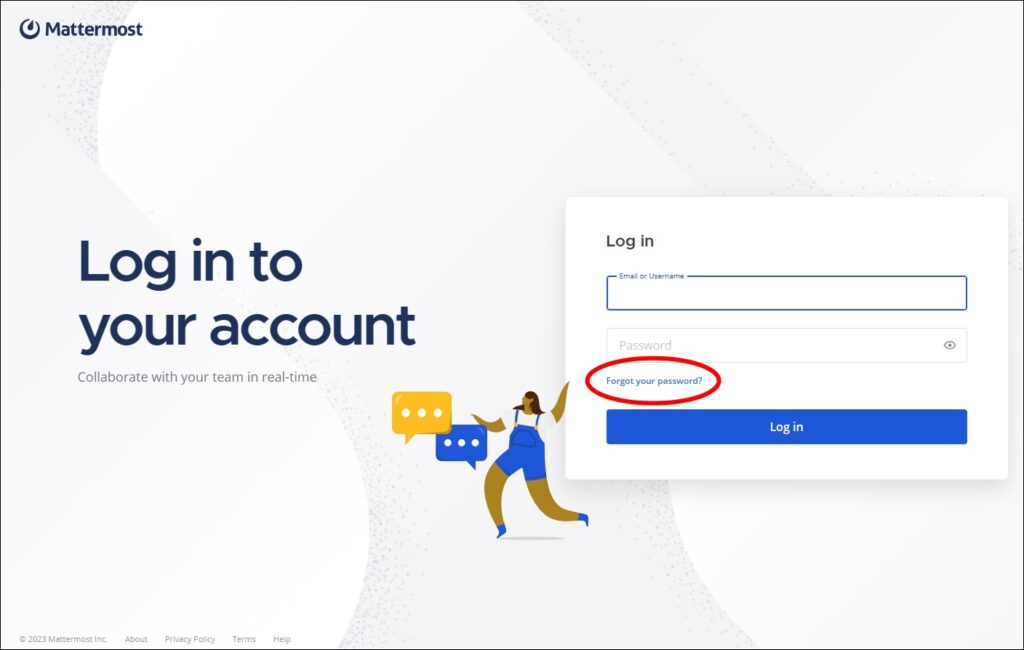
- Click Forgot your password?
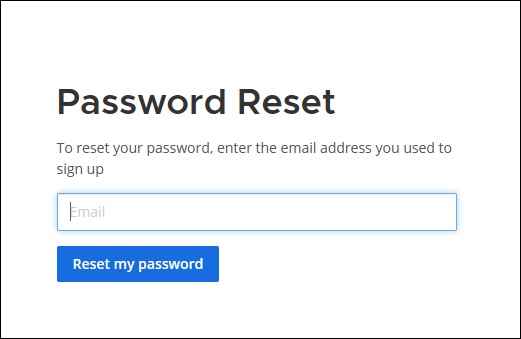
- Enter the email address you used to sign up to Mattermost.
- Click the blue Reset my password button.
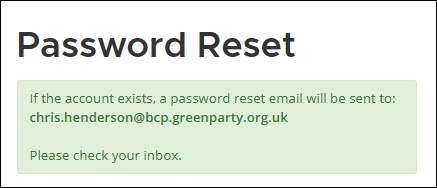
- If you do indeed have an account set up on BCPGP’s Mattermost server at the email address you entered, you will receive an email from “BCPGP Mattermost server” entitled “[Mattermost] Reset your password”.
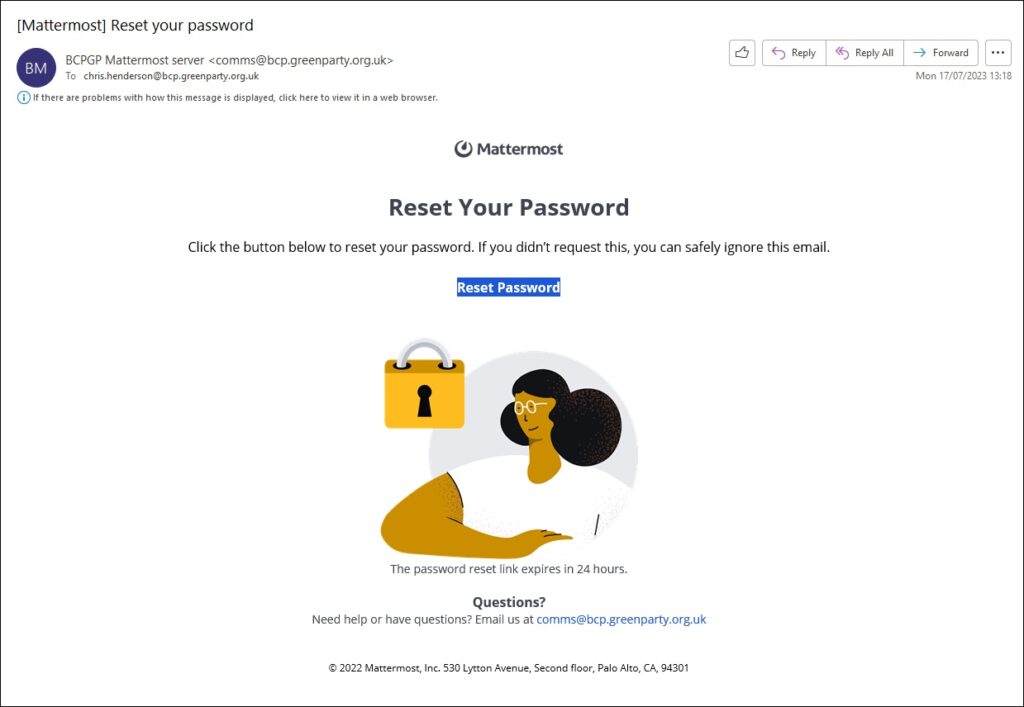
- Click the blue Reset password link.
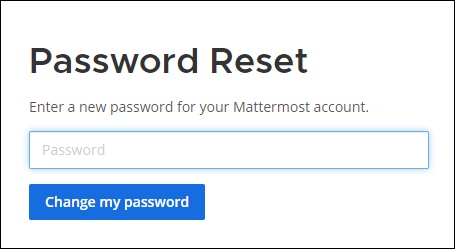
- Enter your password.
- Click the blue Change my password button.
No password reset email received?
- Check your spam/Junk Mail folder.
- If you can’t find any email, it most likely means you don’t have a Mattermost account registered at the address you entered.